Video
 Veo 3.1audio included, up to 4K
 Kling 3.0 Omnimulti-shot, elements, R2V
 Wan 3.0native audio, 2–30 s
Also: Seedance 2.5, Seedance 2 and Mini, Wan 2.7, Gemini Omni
from 15 cr / clipVideo Studio
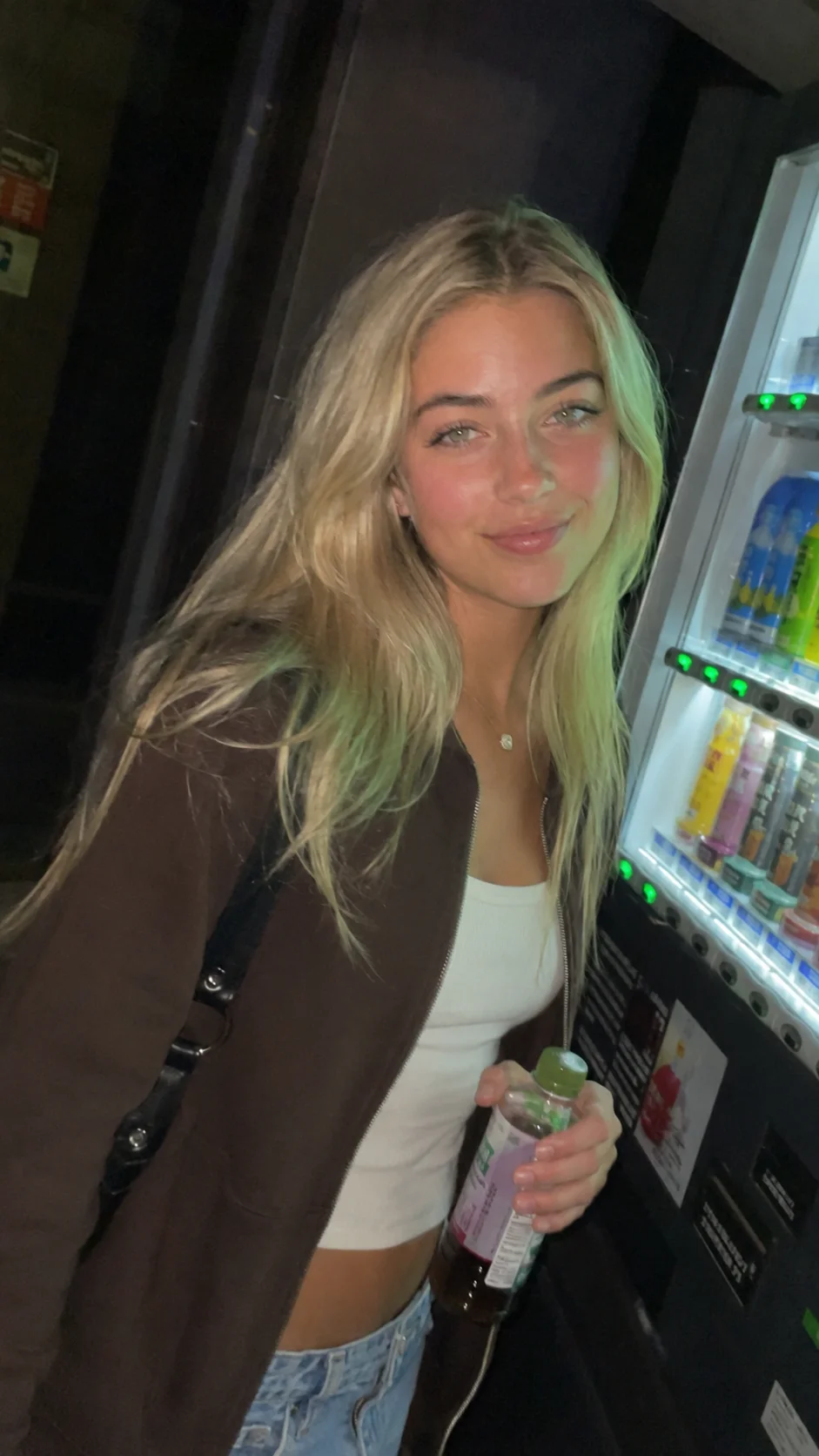
Start from text or from an image. Veo, Kling, Wan, Seedance and Kling Motion Control share the same Studio. Length and audio depend on the engine.
 Source image
Engines
Veo, Kling, Wan and Seedance for the clip. Motion Control and MiniMax when motion or audio matters.
Video
Veo 3.1audio included, up to 4KKling 3.0 Omnimulti-shot, elements, R2VWan 3.0native audio, 2–30 sAlso: Seedance 2.5, Seedance 2 and Mini, Wan 2.7, Gemini Omni
from 15 cr / clipSound & motion
 MiniMax H3video with stereo audio
 Kling Motion Controlmotion transfer
 ElevenLabsvoice-over, dialogue, effects
Sound Studio: multi-voice dialogue, voice changer
voice clone · 0 crThree steps
Questions
Yes. Drop the photo and the Studio switches to image-to-video. You can also start from text alone.
Veo 3.1, Kling 3.0, Kling Motion Control, Wan, Seedance 2 Mini, Seedance 2, Seedance 2.5, MiniMax H3 and Gemini Omni. Native audio depends on the engine.
Kling Motion Control takes movement from a reference video and applies it to your visual. It is not a video face swap.
Start
Up to 150 credits after email verification · no automatic renewal